3D · XR · AI Platform
The platform where your 3D scenes are built, managed and shared.
Upload your models, let automatic optimisation prepare them, and arrange the scene in a powerful editor, from a PC or a headset, then share it anywhere.
- Headsets, smart glasses, web and mobile
- AI assistants in nine languages
- Build scenes without writing code
What is TheAppXR
A platform that turns real spaces into working 3D scenes.
Upload your 3D models, from your own catalogue or a standard format your team already works with, and TheAppXR optimises them automatically for real-time performance. No manual retopology, no format wrangling.
From there, a powerful editor lets you arrange the scene exactly as you want it, from a PC or directly inside a headset. The same scene then trains people, guides operations, presents products and shares with anyone through a link, on the device that suits each situation.
- 01
Create
Upload your 3D models and arrange the scene in the editor, from a PC or a headset, not with code.
- 02
Manage
Keep projects, scenes and user groups in one place. Update content once and it applies everywhere.
- 03
Deploy
Send the experience to headsets, smart glasses, browsers or a link, no installation for your visitors.
One platform, many possibilities
Everything you need to put XR to work.
The platform covers the whole path, from capturing a space to measuring what people did in it.
A powerful scene editor
Arrange, position and refine every scene from a PC or straight from a headset, the same project, either way.
3D content management
Upload models from your catalogue or the asset library; automatic optimisation prepares them for real-time use.
Interactive training
Turn a procedure into a lesson people perform rather than read.
On-site guidance
Show the route on the floor and confirm each step with a code scan.
AI assistants
An agent trained on your documents answers questions in nine languages.
Sharing without accounts
Five ways to share a 3D scene, including an embed for your own website.
Smart glasses at work
Photograph, record, take notes and call an expert using only your voice.
Business system integration
Map scene objects to records in your management system and keep both in step.
Solutions
Start from the problem, not the technology.
Six areas where companies are already putting XR to practical use.
Immersive training
Turn a procedure into something people perform, not something they read.Discover moreProduct visualisation
Present complex products in 3D, at real scale, to anyone with a link.Discover moreField service
Bring the expert to the technician, without bringing the technician back.Discover moreSales and showrooms
A permanent virtual showroom your customers can enter from anywhere.Discover moreGuided warehouse operations
The warehouse shows the way, and the system updates itself.Discover moreAI assistance points
Turn a place where people arrive with questions into somewhere they get answers.Discover more
Products
Four products. One account.
Each one solves a different job, and they talk to each other natively.
- Discover more
The platform where your 3D scenes are built, managed and shared.
Upload your models, let automatic optimisation prepare them, and arrange the scene in a powerful editor, from a PC or a headset, then share it anywhere.
- Discover more
Your glasses become a working tool.
Voice, camera and AI on Meta and Android XR smart glasses, hands free, without reaching for a phone.
- Discover more
An assistant that speaks, understands and helps.
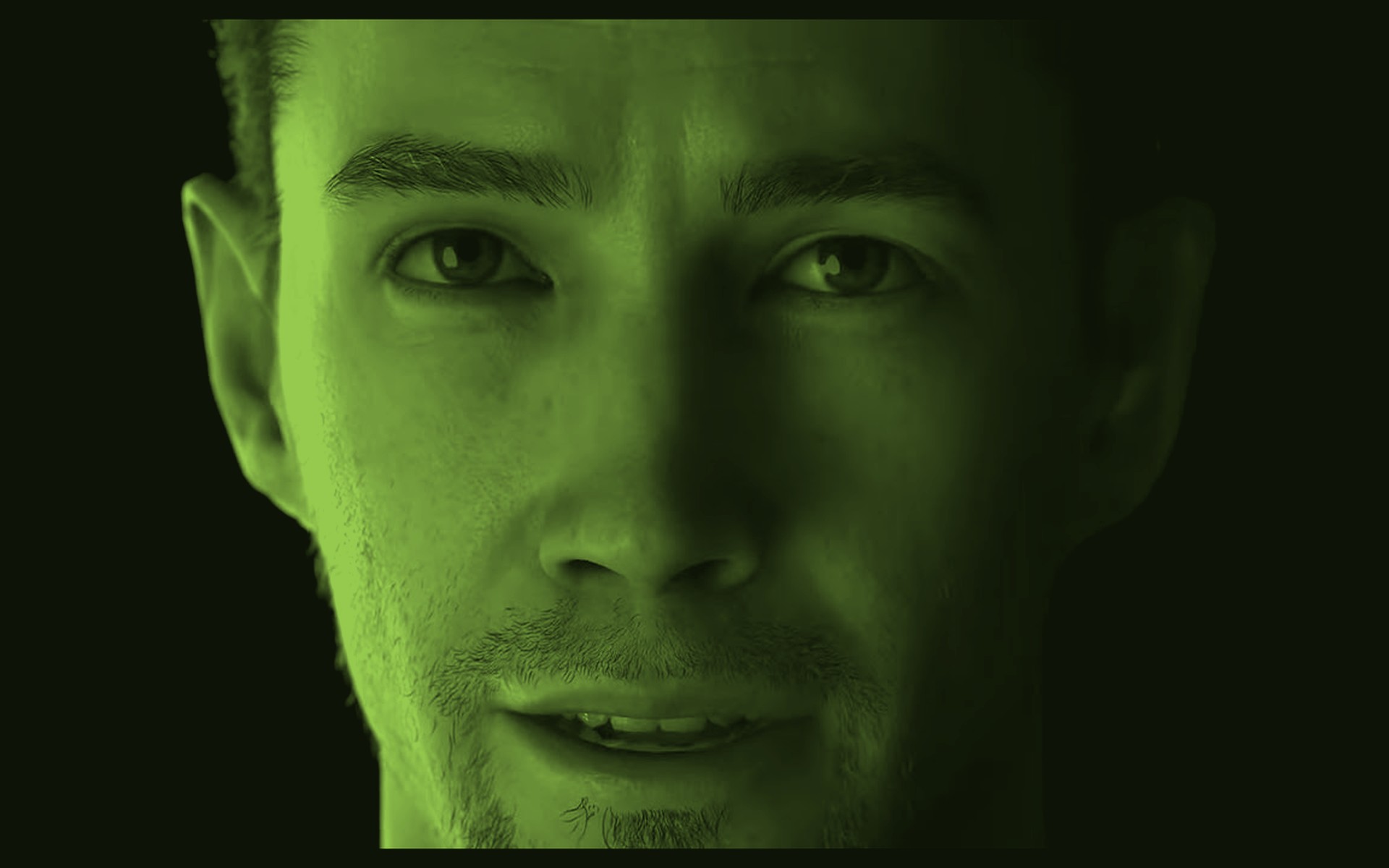
A hyper-realistic avatar on a totem, driven by an AI agent trained on your organisation's own documents.
- Discover more
A showroom that never closes.
A permanent 3D space for B2B: showrooms, immersive meetings and product presentations, open around the clock.
Built for business
Practical advantages, not promises.
- Create faster
- Standard platform functions handle scanning, anchoring and placement. A layout change takes minutes and no technician.
- Deploy everywhere
- Use the right device for each situation, a headset for immersive work, glasses for a full shift, a browser for a customer.
- Scale easily
- Manage multiple projects, scenes and user groups from one place, with settings shared across a whole team.
- Connect your business
- Link scenes to the systems you already run, so completed work updates your records automatically.
Industries
Where TheAppXR is used.
Wherever people need to see something in space, learn a procedure or get a competent answer.
Devices
One platform. Multiple devices.
The same scene reaches a headset, a pair of glasses, a browser or a phone, without rebuilding it each time.
XR headsets
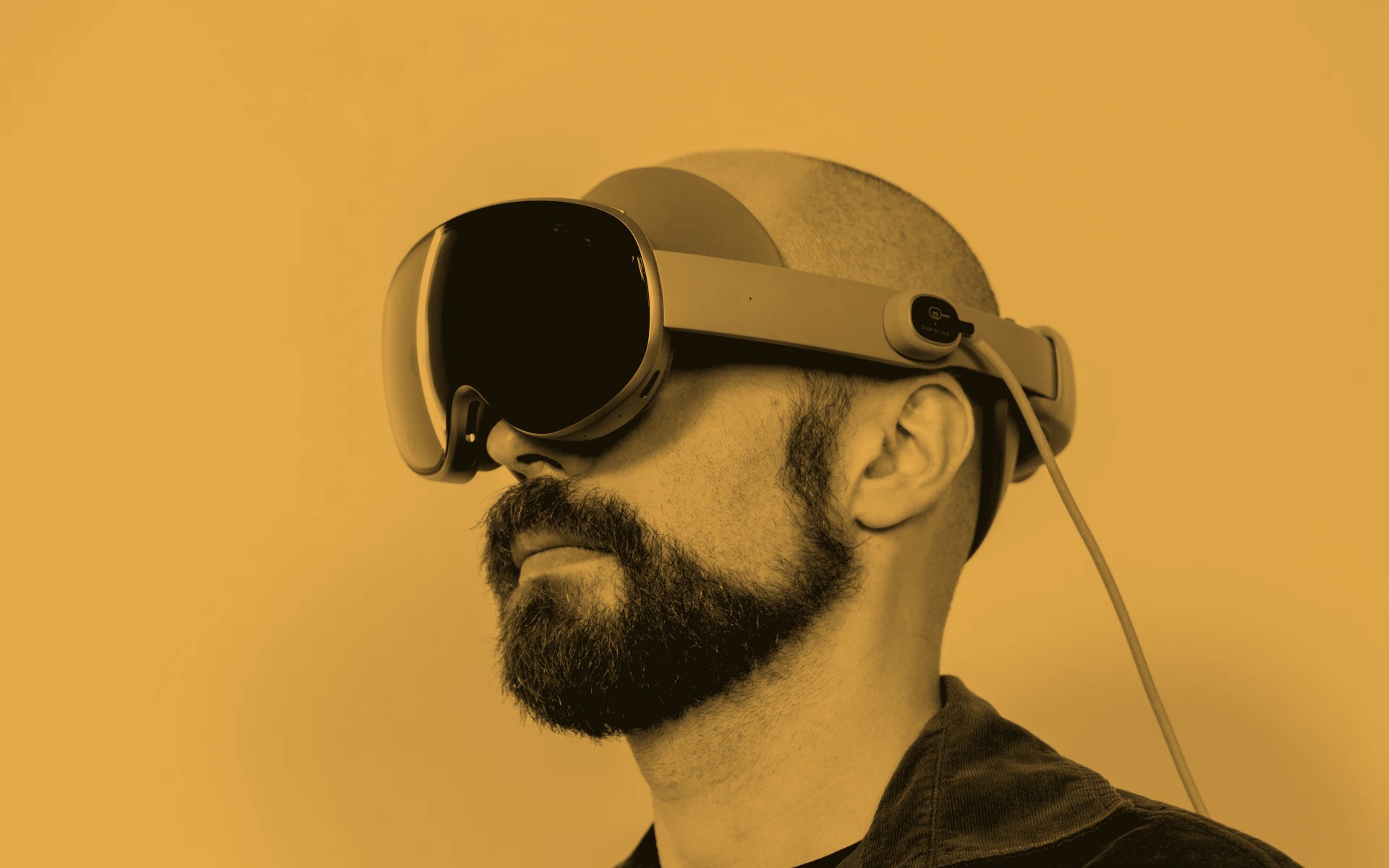
For building scenes, immersive training and work that needs both hands and full spatial awareness.
- ·Meta Quest 3
- ·Android XR headsets
- ·Apple Vision Pro
Smart glasses
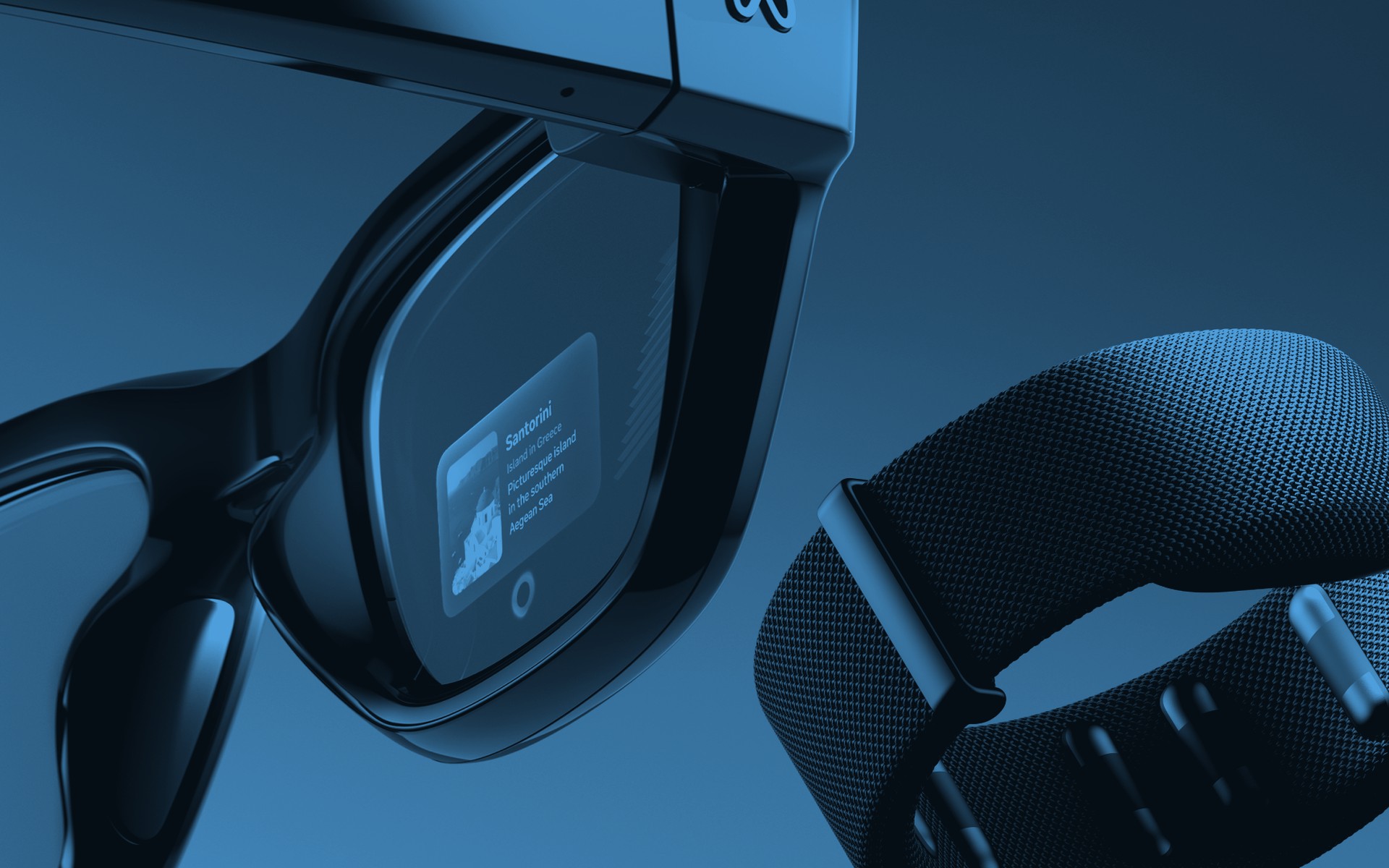
Light enough for a full shift. Voice, camera and, where available, a private display.
- ·Ray-Ban Meta
- ·Android XR glasses
- ·Meta Ray-Ban DisplayOn the roadmap
Web and mobile
For everyone else: customers, colleagues and visitors reach a scene through a link.
- ·Browser and PC
- ·Smartphone and tablet
Fixed installations
A totem in a public space, running the assistant and pairing with a visitor's glasses.
- ·Totem
Why TheAppXR
What makes it different.
A SaaS platform, not a project
Experiences are distributed remotely by link. Updating content does not mean reinstalling anything.
Cross-device by design
One scene, several devices. No vendor lock-in on the hardware your teams already own.
No-code where it matters
Uploading, placement and layout changes happen by hand in the editor, not in a CAD tool.
Optimised automatically
Models are optimised on upload, with no manual retopology or format conversion, the technical work happens behind the scenes.
Multilingual from the start
AI guides and assistants answer in nine languages, so one installation serves an international audience.
Integrated, not isolated
Configure an external system once per user group, map your objects, and every completed action reports back.
Plans
Choose the plan that fits.
Compare what each plan includes and start when you are ready.
Videos
See it working.
Walkthroughs and demonstrations from our channel.
- Videos load only when you press play. Nothing is requested from YouTube until then.
- Videos load only when you press play. Nothing is requested from YouTube until then.
THEAPPXR - CREATOR MODE
- Videos load only when you press play. Nothing is requested from YouTube until then.
THEAPPXR - DESIGN MODE
News
From the blog.
Short pieces on what the platform does, and why it is built this way.
2026-07-22 · 4 min read
The warehouse that shows the way
Time in a warehouse is not lost moving goods. It is lost working out where to put them.
Read2026-06-30 · 3 min read
Five ways to share a 3D scene, and none needs an account
A 3D model is only useful once someone else can see it. That is a distribution problem, not a modelling one.
Read2026-05-19 · 3 min read
When a question deserves a conversation
For years physical touchpoints have spoken one language: signs, screen menus and forms.
Read
Download
Get the apps.
The platform is available on the devices your team already has.
TheAppXR for Meta Quest
Scan spaces, place products and view finished scenes directly on a Meta Quest headset.
Get it on Meta QuestTheAppXR for PC
The same platform as a desktop editor — arrange scenes, manage projects and content from Windows.
Get it on Microsoft StoreTheAppAI
The conversational AI avatar for totems and self-service points, trained on your own documents.
Get it on Microsoft Store
Get started
Ready to explore XR for your business?
Tell us what you want to achieve. We will show you how TheAppXR can help.